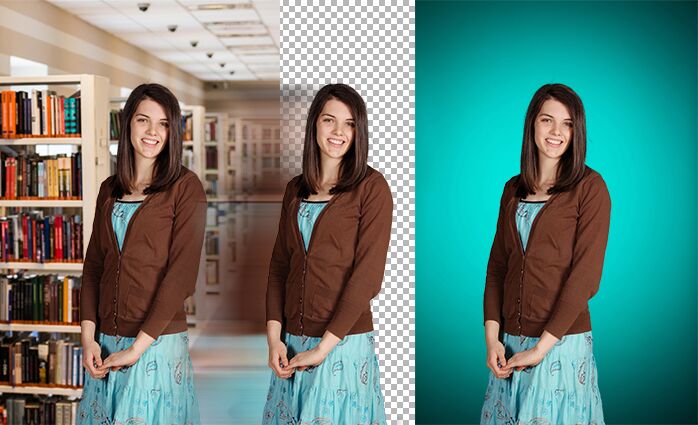
Knockout Schools
Automated knockout + background replacement.
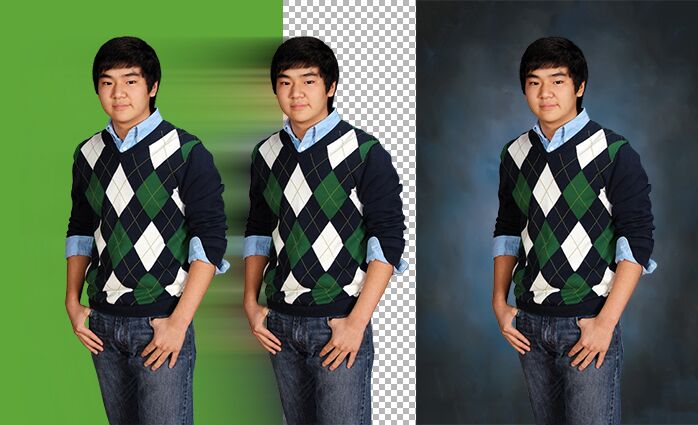
Green Screen
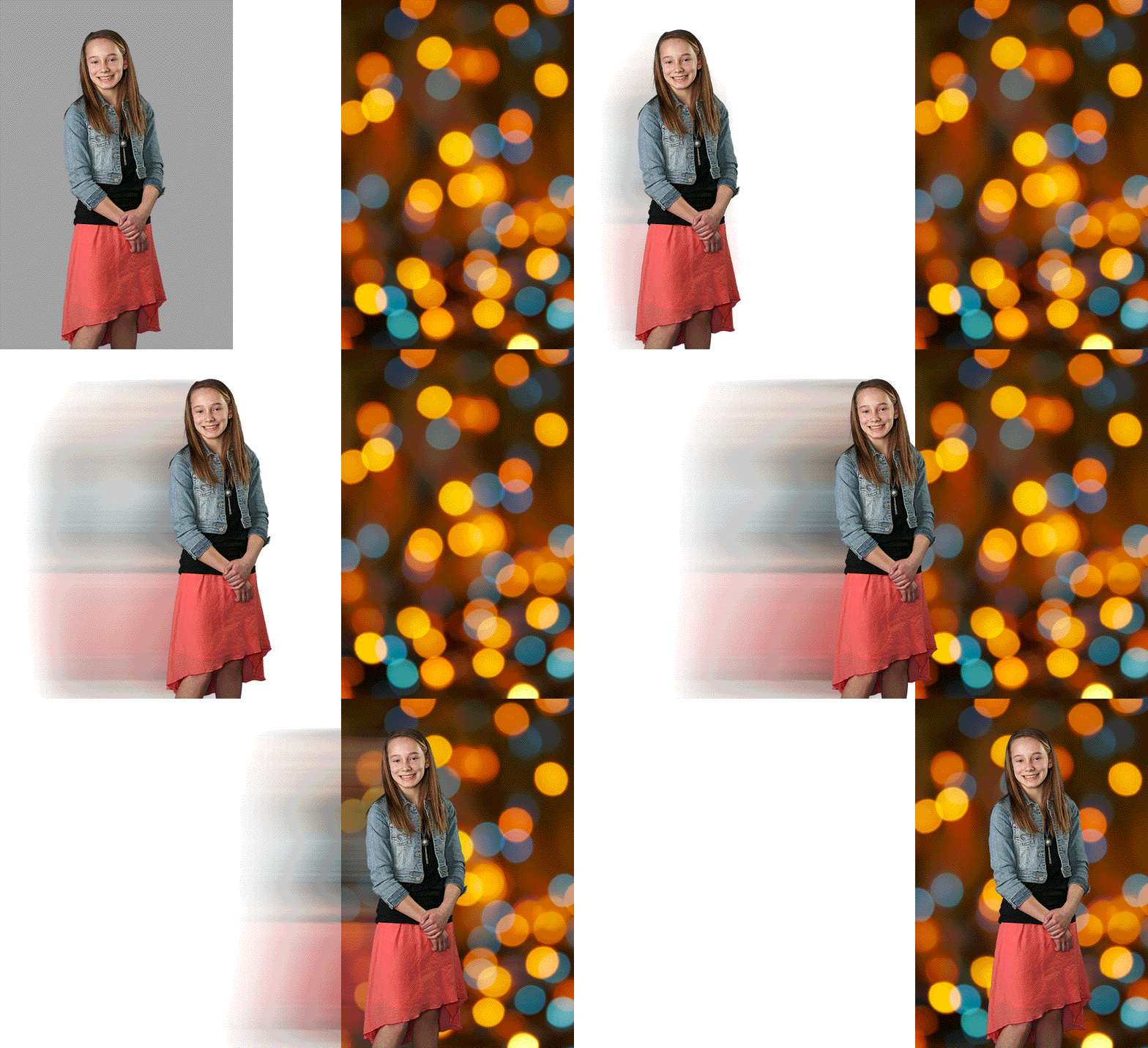
Gray Screen
We recommend photographing on gray if most of the images you’re capturing need a background replacement and you need a quick turnaround on ID cards. With gray screen you can just deliver those IDs on a clean gray background and can save the KO process for prints and other products later.
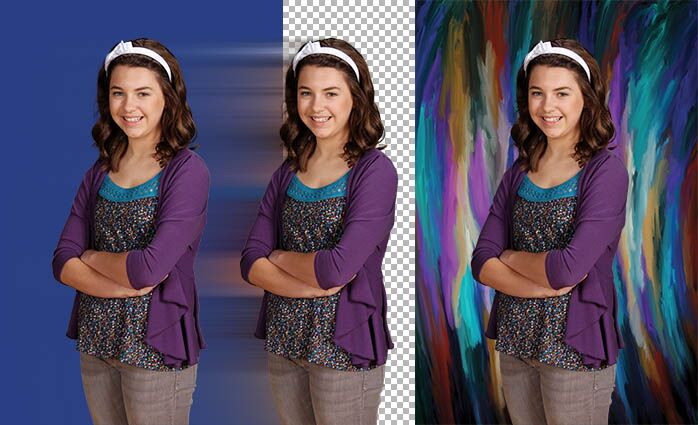
Blue Screen
Use this option when know all of the images you’re going to capture need a background replacement but you also need a quick turn around on service items like ID Cards. Simply deliver those IDs on a clean blue background and save the KO process for prints and other products later.
Masters Extraction
Optimal when you need to print proof plans and service items quickly on the photographed background but still want to offer different background options to your customers on their prints and specialty products.
Environment Extraction
Us this option when you want to offer KO options to your customers on their products, but need more flexibility on space or consistent lighting than the other three options need.
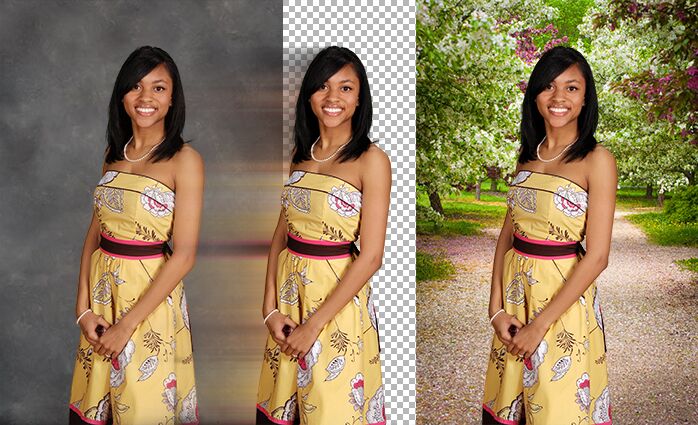
Backgrounds
Regardless of how you knockout the image, its going to need a background. No matter which KO option you pick, H&H only charges once to knock out your images. After that, all background replacements are free! You are welcome to offer any of H&H’s library of backgrounds or use your own.